
Documentation Index

Fetch the complete documentation index at: https://docs.rocksky.app/llms.txt

Use this file to discover all available pages before exploring further.

The Rocksky CLI can boot a local scrobble server that speaks the ListenBrainz, Last.fm, and Web Scrobbler protocols. Point any compatible client at localhost and have your plays forwarded to Rocksky — handy for offline-tolerant setups, testing integrations, or running on a home server.
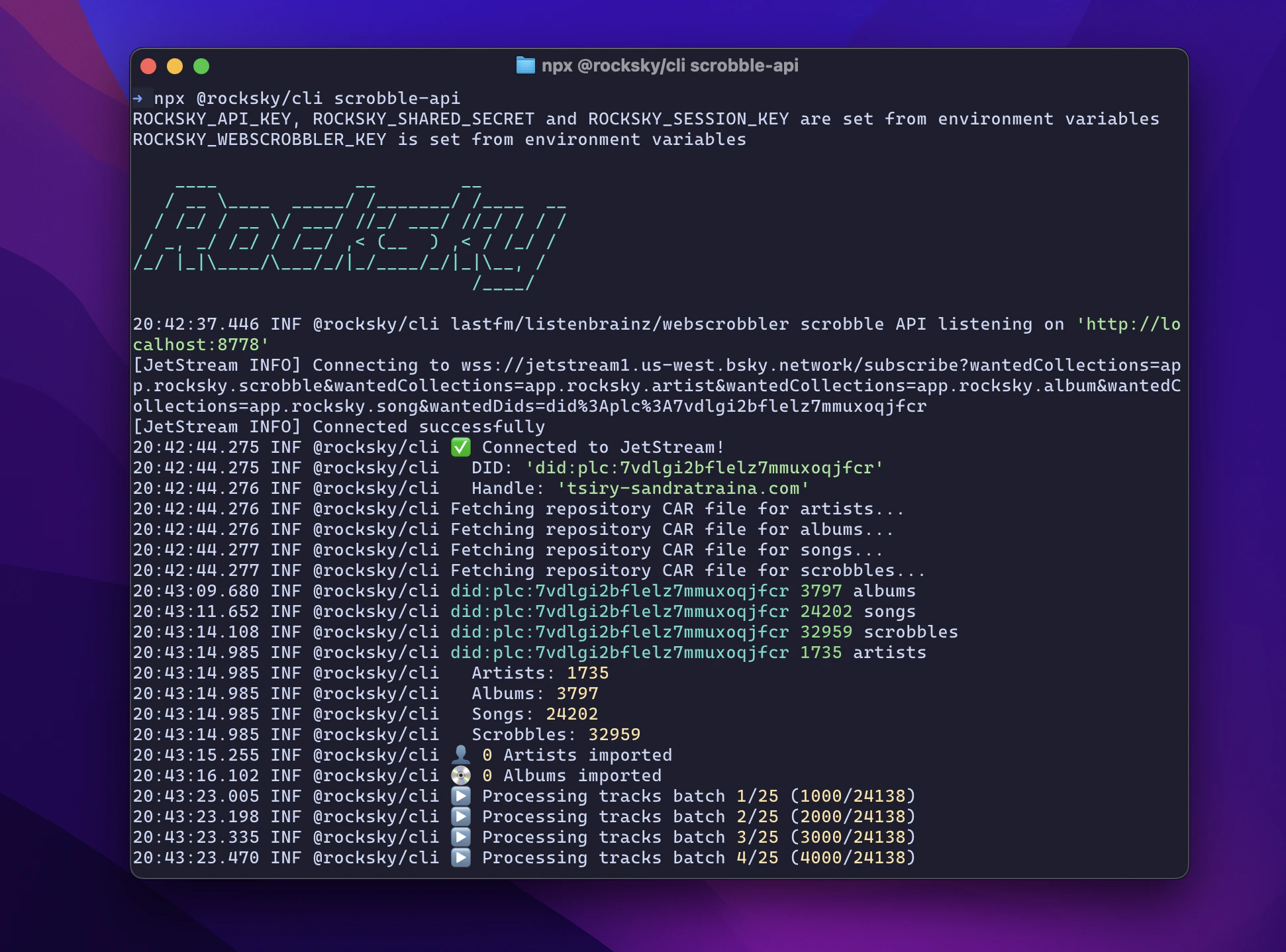
`npx @rocksky/cli scrobble-api` running in a terminal, syncing scrobbles and connecting to JetStream

Prerequisites

  • Node.js
  • An AT Protocol (Bluesky) account

Configure credentials

Set these environment variables once so the server can authenticate after a restart:
export ROCKSKY_API_KEY=...
export ROCKSKY_SHARED_SECRET=...
export ROCKSKY_SESSION_KEY=...
export ROCKSKY_WEBSCROBBLER_KEY=...

export ROCKSKY_IDENTIFIER=alice.bsky.social   # your handle or DID
export ROCKSKY_PASSWORD=...                   # app password from https://bsky.app/settings/app-passwords

Start the server

npx @rocksky/cli scrobble-api
The server listens on http://localhost:8778.
First startup can take a while: it syncs your existing scrobble history locally before accepting writes.

Point your clients at it

Base URL: http://localhost:8778. Use your ROCKSKY_API_KEY as the authentication token.
See the rocksky scrobble-api command reference for the full surface.