
Prerequisites
- Kodi media center
- A Rocksky account
- An API key from the API Applications page
Setup
1
Install the add-on
In Kodi, go to Add-ons → Install from repository → Kodi Add-on repository →
Services → ListenBrainz Scrobbler and install it.
2
Set the API endpoint
Open the add-on settings and change the ListenBrainz API endpoint to:
3
Add your API key
Paste your Rocksky API key into the Token field.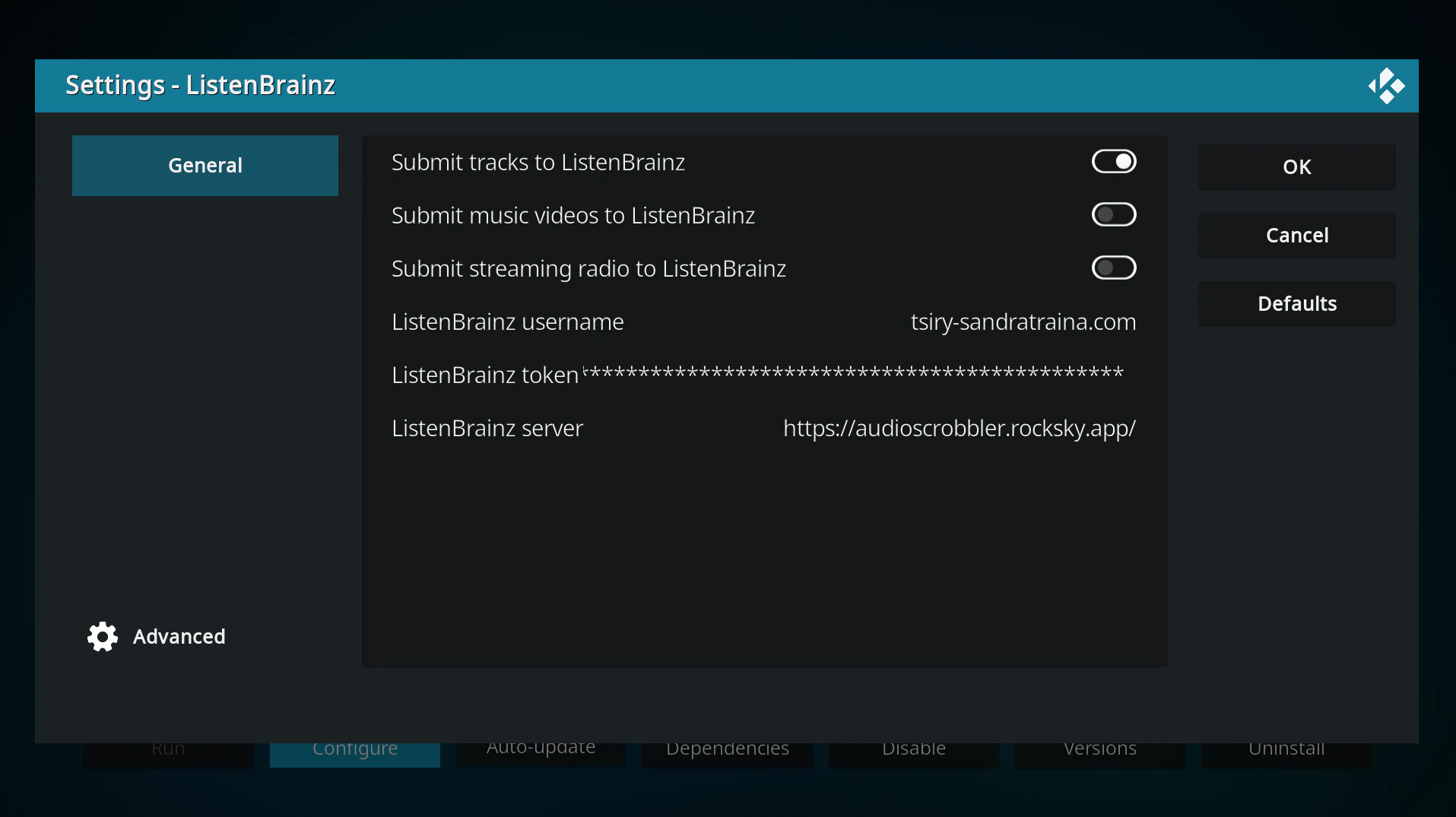
4
Verify
Restart Kodi, play a track, and check your Rocksky profile to confirm the
scrobble appears.