> ## Documentation Index
> Fetch the complete documentation index at: https://docs.rocksky.app/llms.txt
> Use this file to discover all available pages before exploring further.
# Local scrobble API
> Run a local ListenBrainz / Last.fm / Web Scrobbler-compatible server backed by Rocksky.
The Rocksky CLI can boot a local scrobble server that speaks the
ListenBrainz, Last.fm, and Web Scrobbler protocols. Point any compatible
client at `localhost` and have your plays forwarded to Rocksky — handy for
offline-tolerant setups, testing integrations, or running on a home server.
 ## Prerequisites
* [Node.js](https://nodejs.org/)
* An AT Protocol (Bluesky) account
## Configure credentials
Set these environment variables once so the server can authenticate after a
restart:
```bash theme={null}
export ROCKSKY_API_KEY=...
export ROCKSKY_SHARED_SECRET=...
export ROCKSKY_SESSION_KEY=...
export ROCKSKY_WEBSCROBBLER_KEY=...
export ROCKSKY_IDENTIFIER=alice.bsky.social # your handle or DID
export ROCKSKY_PASSWORD=... # app password from https://bsky.app/settings/app-passwords
```
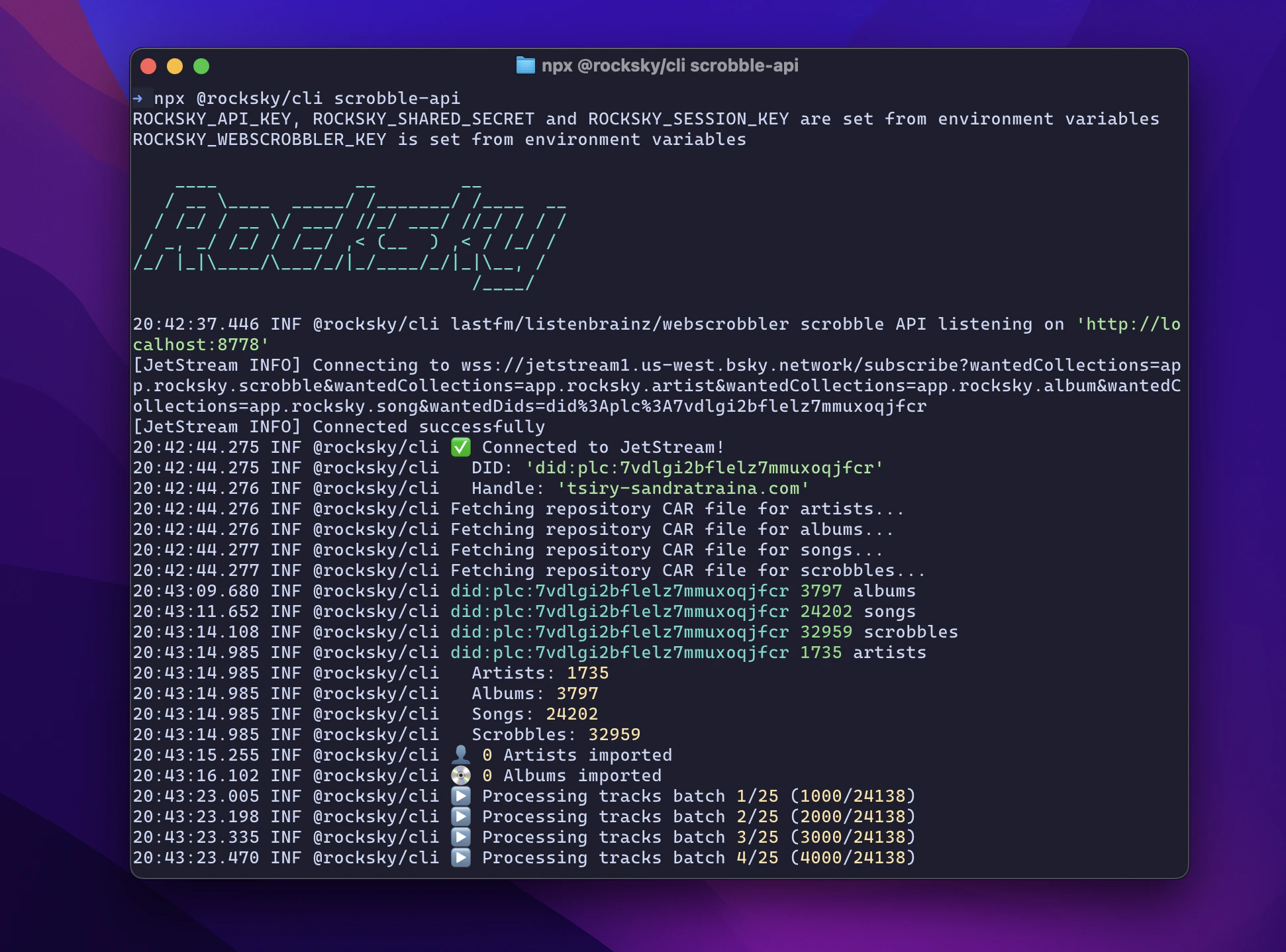
## Start the server
```bash theme={null}
npx @rocksky/cli scrobble-api
```
The server listens on `http://localhost:8778`.
First startup can take a while: it syncs your existing scrobble history
locally before accepting writes.
## Point your clients at it
Base URL: `http://localhost:8778`. Use your `ROCKSKY_API_KEY` as the
authentication token.
Base URL: `http://localhost:8778/2.0`. Use your `ROCKSKY_API_KEY` and
`ROCKSKY_SESSION_KEY`.
Endpoint: `http://localhost:8778/webscrobbler/`
See the [`rocksky scrobble-api`](/cli/scrobble-api) command reference for the
full surface.
## Prerequisites
* [Node.js](https://nodejs.org/)
* An AT Protocol (Bluesky) account
## Configure credentials
Set these environment variables once so the server can authenticate after a
restart:
```bash theme={null}
export ROCKSKY_API_KEY=...
export ROCKSKY_SHARED_SECRET=...
export ROCKSKY_SESSION_KEY=...
export ROCKSKY_WEBSCROBBLER_KEY=...
export ROCKSKY_IDENTIFIER=alice.bsky.social # your handle or DID
export ROCKSKY_PASSWORD=... # app password from https://bsky.app/settings/app-passwords
```
## Start the server
```bash theme={null}
npx @rocksky/cli scrobble-api
```
The server listens on `http://localhost:8778`.
First startup can take a while: it syncs your existing scrobble history
locally before accepting writes.
## Point your clients at it
Base URL: `http://localhost:8778`. Use your `ROCKSKY_API_KEY` as the
authentication token.
Base URL: `http://localhost:8778/2.0`. Use your `ROCKSKY_API_KEY` and
`ROCKSKY_SESSION_KEY`.
Endpoint: `http://localhost:8778/webscrobbler/`
See the [`rocksky scrobble-api`](/cli/scrobble-api) command reference for the
full surface.